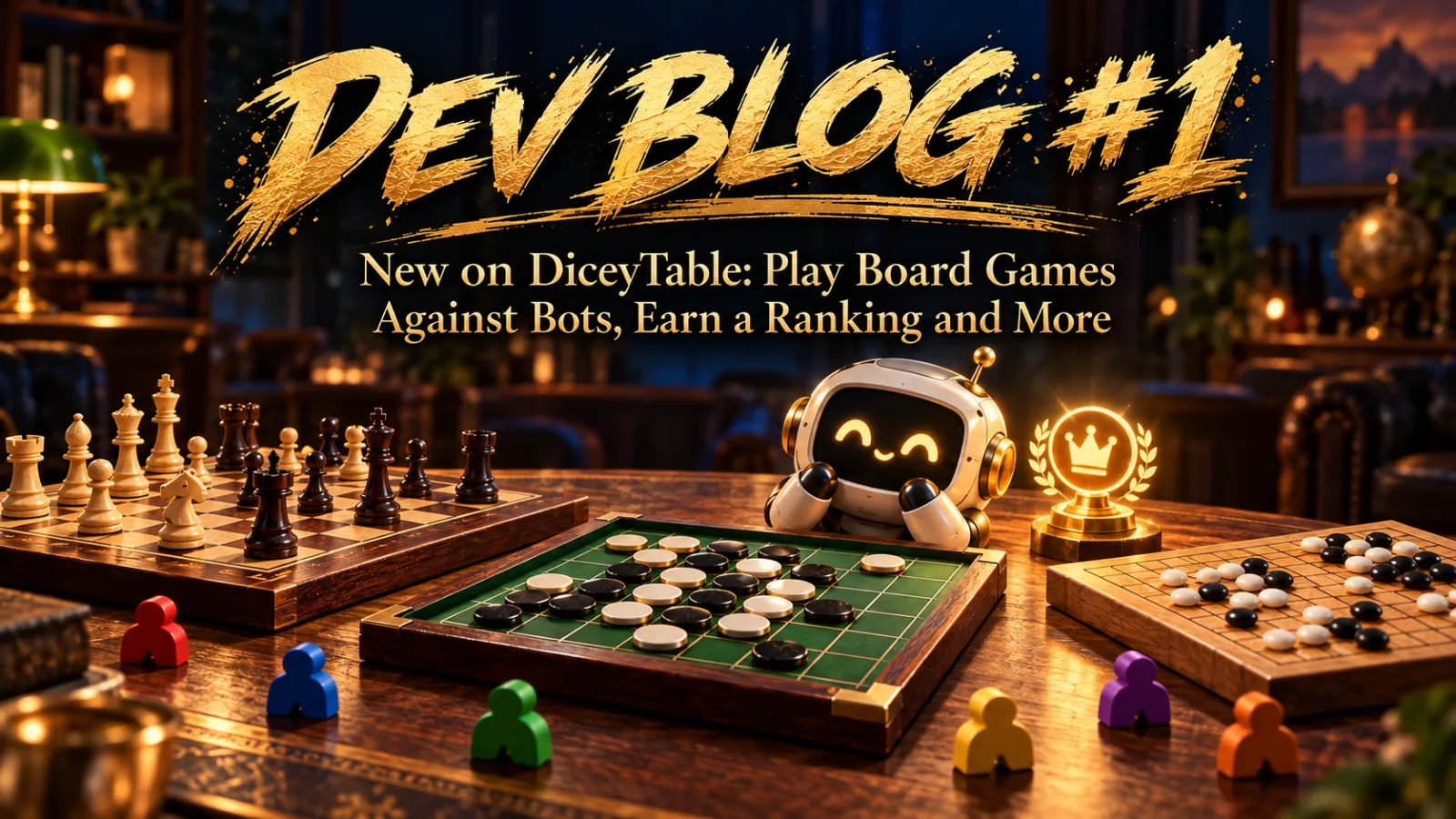
New on DiceyTable: Play Board Games Against Bots, Earn a Ranking and More
This was a big week for DiceyTable! You can now play chess and Othello against bots, earn a ranking, choose different set-ups for a game, and fit up to 10 players at one table. Here's everything that's new and how to try it.

Matt Larson4 min read
Hi, I’m Matt, and I build DiceyTable. This was one of my busiest weeks yet. I added a lot of new things, and I want to show you each one. Some are for players. Some are for people who make games. Let’s dive in!
Play Chess and Othello online against a bot
Have you ever wanted to play a game but had no one to play with? Now you can play against a bot. It’s a great way to practice and improve your skills!
To play against a bot you must be playing a Scripted version of a game, which you can select in the lobby. Then add a bot to an empty seat. You can choose how hard you want the bot to be.
Here’s what you can play against:
- Othello: three AI bots that learned the game by playing it over and over, plus a classic “think ahead” bot called Minimax.
- Chess: a bot built on Maia, which was trained to play the way people play, plus a Minimax bot too.
The bots run right in your web browser. You don’t need to download anything.
Earn a ranking when you play
Games marked Fully scripted can now be ranked. That means the game knows all the rules, so it can tell who won.
Everyone starts with a rating of 1500. When you win, your rating goes up. When you lose, it goes down. Games against bots count too, so you can climb even when your friends are busy.
To keep things fair, the other players’ computers check the result before it counts. If something looks wrong, I can review the match myself.
Pick a different set-up for the same game
One game can now come in more than one version. I call these variants.
Take Go. You can pick a big 19×19 board, a medium 13×13 board, or a small 9×9 board for a quick game. You choose the variant in the lobby before the game starts.
Game makers can use variants for all kinds of things, like a bigger table or a version with or without scripted rules.
See whose turn it is and who’s winning
Scripted games can now show you the score and the turn for you:
- The seat of the player whose turn it is lights up.
- That player is also outlined in the player list.
- A little chime plays when it’s your turn.
- When the game ends, a window shows the winner and everyone’s score.
Play again with one click
When a scripted game ends, click Return to lobby. Everyone goes back to one shared lobby with the same settings. Your table is saved for 30 seconds, so your friends have time to join you for a rematch.
Up to 10 players at one table
Tables now have room for up to 10 players. That’s great for party games, big card games, and game nights with lots of friends.
Player bots: show up at the table as a little robot
You can now pick a player bot in the store. It’s a small 3D robot that sits where your camera is, so other players can see where you’re looking. Its face screen shows your profile picture. The first bot is called Pebble, and more are on the way. In VR, your bot is your head!
For game makers
If you like building games on DiceyTable, this part is for you.
Get help from an AI helper
You can now connect an AI helper, like Claude, to DiceyTable. It can help you build a game, test it, and fix problems while you watch. You stay in charge. You type a pairing code to let it in, and it can only do what you can do. Other players see an “AI agent active” badge, and time spent with an AI helper doesn’t earn chips or stats. You can read how to set it up in the AI agents guide.
Add bots to your own games
You can add bots to your own games. A bot can follow a script that you write, or it can use an AI model that you add to your game. The Developer Docs show you how.
New tools in the editor
- Text labels: Put words on the table, and change them from a script.
- Tooltips: Show a little note when someone hovers over a piece.
- Sound emitters: Add background sounds to a room, like rain or a busy café. There’s a new Audio editor for them, too.
- Zone trays: Zones can now hold trays, and a table can have up to 8 hand zones. Fit to zone sizes a zone to match your table.
- True-size models: The built-in 3D pieces are now their real size. When you copy one into your project, its scale reads 1, 1, 1, just like a model you made yourself.
Bug fixes
I also fixed a bunch of bugs this week. Here are the big ones:
- Poker chip edges looked blurry up close. Now they’re sharp.
- Button text was blurry. Fixed!
- Some button pictures showed up as red boxes in the editor. They show the real button now.
- Cards in zones on the curved ends of a table were turned the wrong way. They line up now.
- Number fields in the editor jumped to 0 when you dragged them. Not anymore.
- When a container said “no” to a move, other players never found out why. Now they get the reason.
- Tooltips looked fuzzy when the camera blur effect was on. They’re clear now.
- A casino room made every surface glow green from the poker table. That’s fixed too.
What’s next?
I’m already working on the next batch, including a coin flip action for the coin-type pieces. I am also going to be working on reorganizing the lobby screen, as the layout has gotten a little confusing.
Thanks so much for playing and building with me. If you find a bug or have an idea, I’d love to hear it. Hop over to our Discord Channel and send me a message!