Dev Log 2: DiceyTable Is on Twitch, Plus a Scripted Card Game
DiceyTable has its own category on Twitch, so streamers can now pick it. Also: Sign in with Twitch, a trading card game with every card's rules built in, a lobby that shows how to play, and a die designer.

Matt Larson5 min read
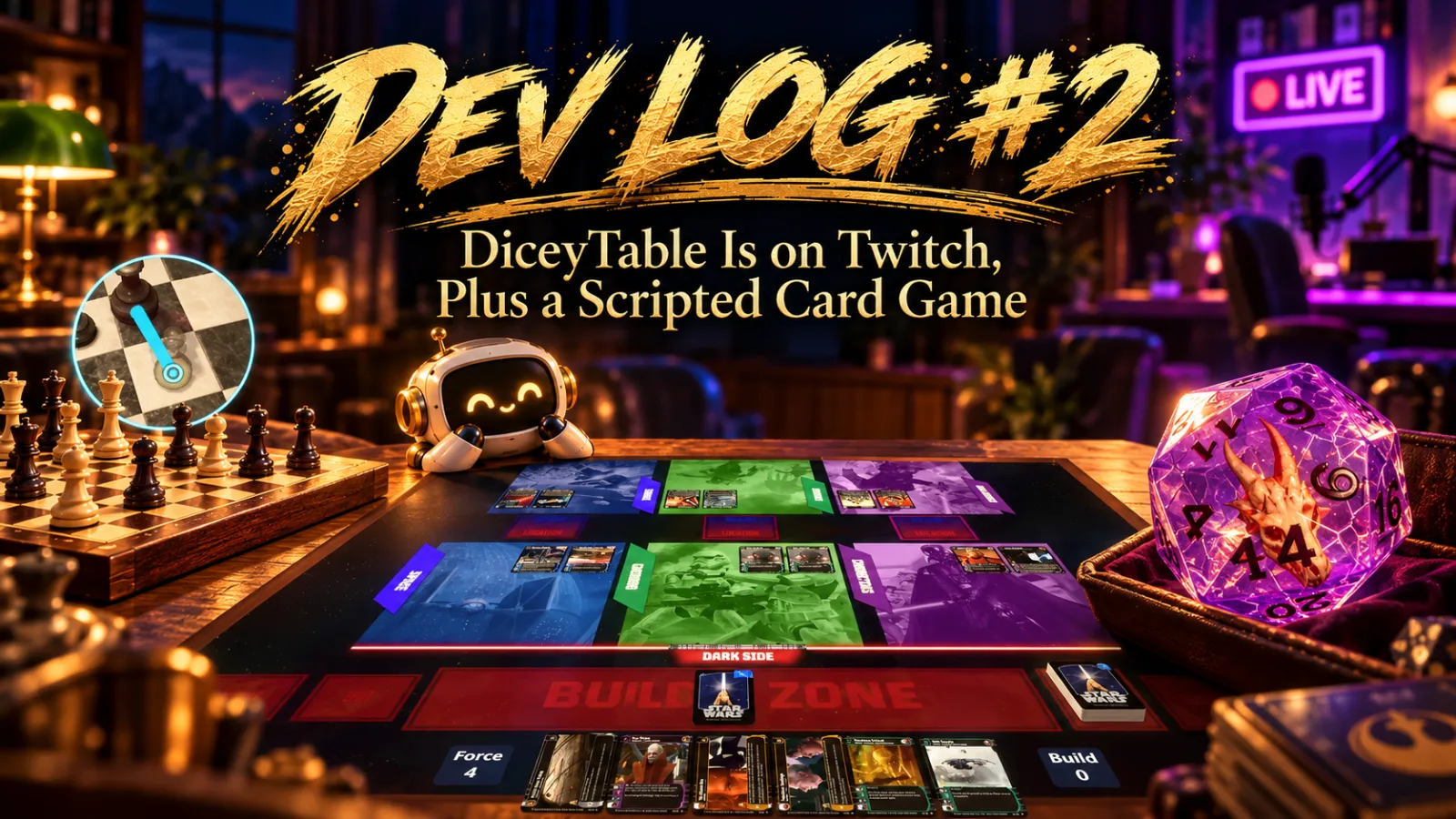
TL;DR: DiceyTable is a category on Twitch now, and you can sign in with Twitch. A whole trading card game plays with its rules enforced, against bots or ranked. The lobby shows Scripted, vs AI and Ranked right at the top. Game makers got a die designer, and phones got a lot of fixes.
Big one first: DiceyTable is on Twitch. It has its own page on Twitch and on IGDB, so streamers can pick DiceyTable as their category like any other game. (You can’t just tell Twitch you’re a game. You ask nicely and wait.)
Stream DiceyTable on Twitch
- Pick DiceyTable as your category when you go live, and people browsing for it can actually find you.
- Sign in with Twitch is on the sign-in screen, next to the other options.
Next up: letting the table set your stream’s title and category for you.
Promises kept
At the end of the last dev log I promised a coin flip and a less confusing lobby. Both shipped. (The coin then refused to lie down. More on that at the bottom.)
The lobby had gotten confusing (my fault). Scripted variants, AI opponents and Ranked were a dropdown and a checkbox at the bottom of the host’s settings, under the join password. Nobody found them. Shocking.
Now there’s a How do you want to play? block right under the game’s name. Each variant gets its own card with badges for what it offers: Rules enforced (or By hand), vs AI and Ranked. The host picks a card, everyone sees the choice, and adding an AI opponent or turning on Ranked is right there too.
A whole trading card game, rules included
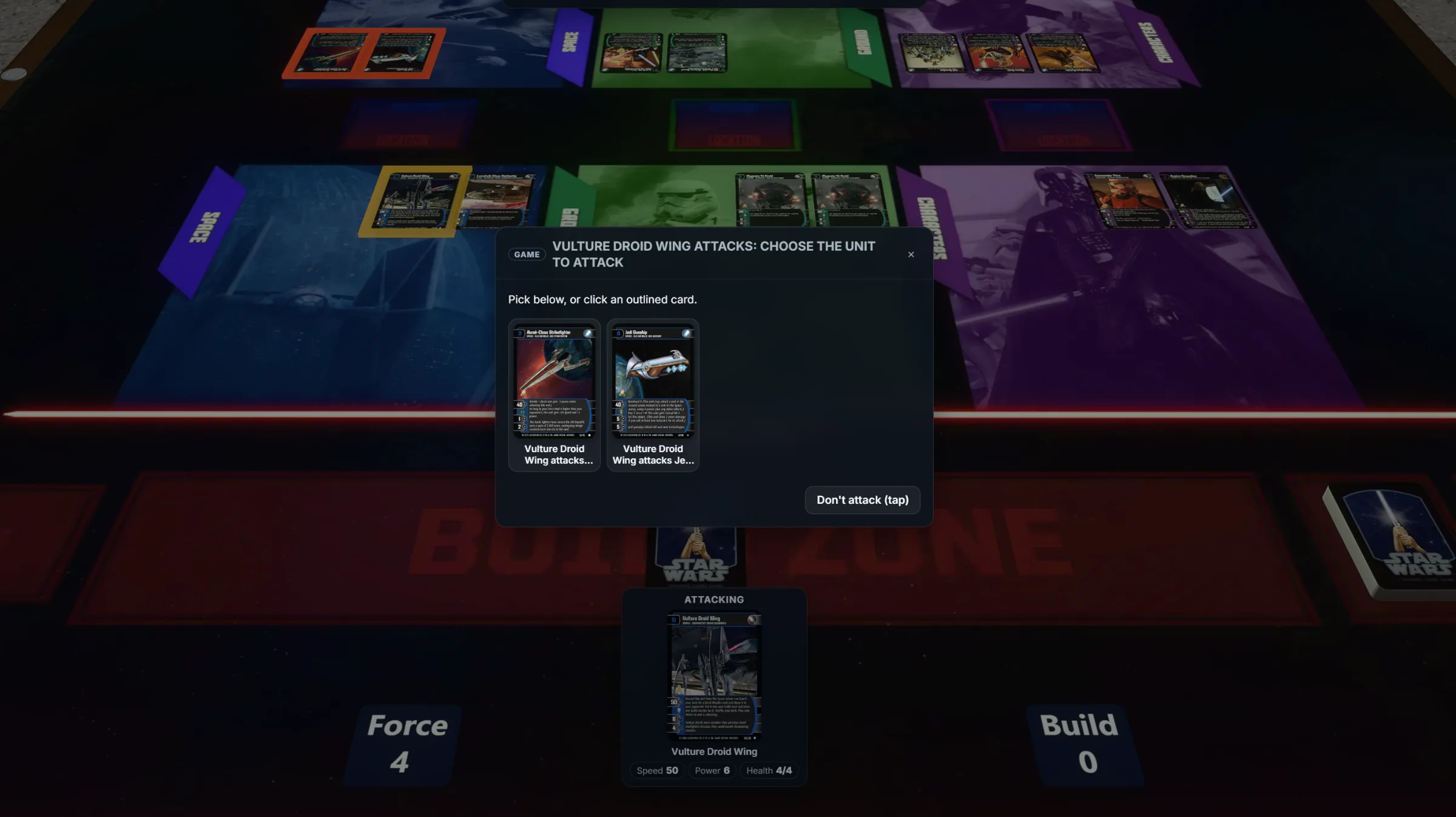
The Star Wars: Trading Card Game (WOTC) pack now has a Scripted variant. The game’s script runs the rules: the phases, building, battles, all of it. When the game needs a roll, it asks you, and you throw “real” dice on the table. Never tell me the odds!
Every line of card text is automated. Every card. That took… a while. Where the rules didn’t say what to do, I made a house ruling.
You can play it against two bots:
- Trooper (easy) deploys its biggest units, attacks whatever it can kill and never retreats. Brave. Not smart.
- Commander thinks ahead (Easy, Medium or Hard) and never peeks at your hand or the order of your deck.
It’s also Ranked. Find out how good you are. Or aren’t. Ranked needs a Player membership or higher for everyone seated, so check the plans first.
Phones got a lot of love
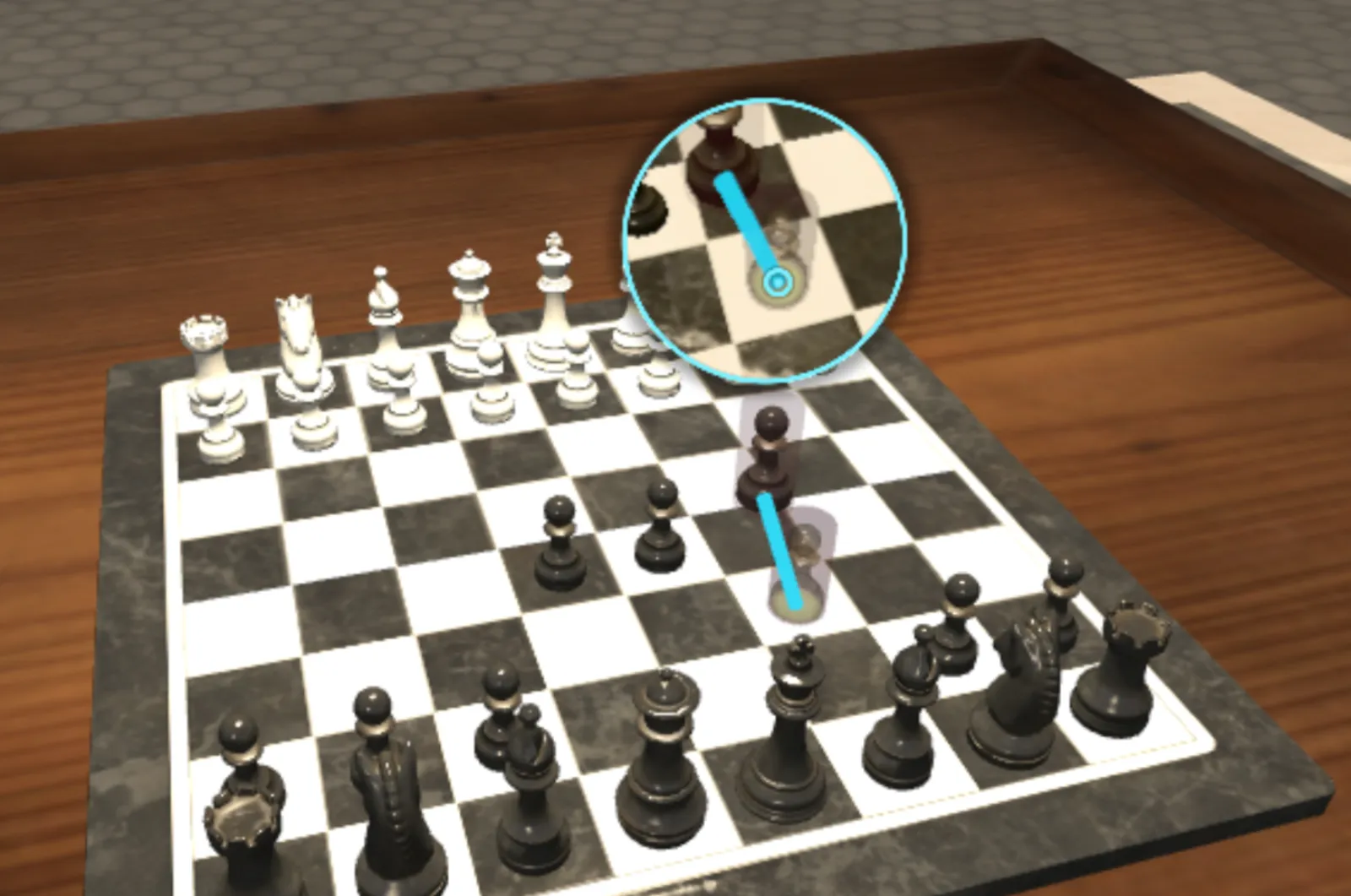
- Drag magnifier. Your finger covers the piece you’re dragging, and the spot it’s about to land on. Now a little magnifier shows both. You can move it or turn it off in Settings ▸ Touch ▸ Drag magnifier.
- Game UI that fits. On phones, scripted games used to pile the battle log and buttons over half the table and your hand. Phenomenal cosmic powers! Itty bitty living space. Now the log sits behind a tab in the bottom-left with an unread count, and the buttons dock as a small bar in the bottom-right.
- New menus. Touch screens get big tiles instead of a cramped toolbar. Desktop gets one settings window with search, and VR gets the same settings.
For game makers
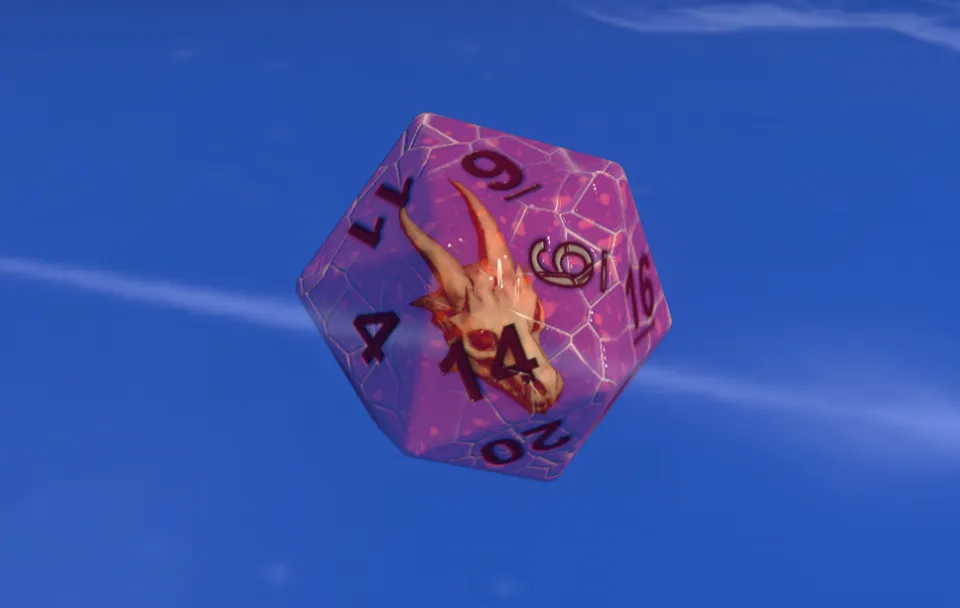
- Die Editor. In the editor’s Project explorer, go to New ▸ Die. Any shape from d4 to d20, your own colours, fonts, pips or images on each face, and materials from plastic to glass. Faces can have names and values (“Hit”, “Miss”) instead of plain numbers. It rolls just like the stock dice, and you pick it from the Model select on any die slot.
- Tools for card games. Scripts can highlight entities, react when one is clicked, ask a seat to roll dice and offer searchable choices for huge lists. Packs can ship data files, show deck icons in the lobby and use images in the game UI. A seat can be detached from the seat template and mirrored, for mats whose art isn’t symmetrical.
- Bigger scripts. Scene scripts can be up to 2 MiB of source now. A week ago the cap was 256 KB, and then I wrote a rules engine for a trading card game.
- Prefabs in 3D. I’m working on it.
The scripting docs cover all of it.
Quick hits and bug fixes
- Coins flip. Right-click a coin and pick Flip Coin. Then they stood on their edge. Every. Single. Time. Three fixes later, they lie down.
- Floating pieces. Othello discs hung in the air over the board, and captured chess pieces fell, got thrown back up and fell again. Forever. Fixed for every board.
- Scripted games ended themselves when a match stopped being recorded (say, after the board was moved by hand). They don’t anymore.
- Shake to shuffle works again on high refresh rate screens. It quietly stopped working on 120 Hz and 144 Hz displays.
- Discard piles stack by height, so a card dropped off to the side lands on top, not inside the pile.
- Blank table on weaker laptops. After a graphics reset, DiceyTable re-ran its heaviest work on the same struggling GPU. Which reset it again. Not anymore.
- Frozen game UI. A scripted game’s buttons sometimes only showed up after you picked something up. That was a fun one. Fixed.
- Empty tables close when the last person leaves, unless it has a named save.
- The old built-in room and table are gone. Games that never picked their own now load in the Modern Room at the Square Table.
- Faster loading. The server compresses what it sends, updates reach you right away instead of after a couple of reloads, and a table only downloads a game’s AI when a bot needs it. (Go used to download about 36 MB of AI every time you sat down, bot or no bot.)
- The server fell over twice in one day. Memory leaks. Fixed. I’m watching it very closely.
Pick a game, stream it on Twitch, and if something breaks, tell me on Discord.