It is just a web page
No installer, no launcher, no plugin. Renderer, physics and networking load as one web app, so a table is a link you can send to anyone.

FEATURES
DiceyTable is a browser-based tabletop simulator with an honest physics simulation underneath it — and a complete editor on top, so the games you play on it can be the games you make.
THE SHORT VERSION
DiceyTable is two things that fit together. The first is a 3D table with a real physics simulation on it, where you and up to seven other people can pick things up, throw them, deal them, hide them and knock them over, in the same room, in real time, with nothing to install. The second is a full editor for making the games that run on it — modelling cleanup, art conversion, rules code and publishing to GitHub, all from inside the same site.
Because the table simulates physical objects rather than implementing a particular game, almost anything you can put on a real table works on this one.
No installer, no launcher, no plugin. Renderer, physics and networking load as one web app, so a table is a link you can send to anyone.
Gameplay runs peer-to-peer over WebRTC data channels. Our server only introduces players and keeps the room list; your moves never round-trip through it.
Every game is a mod: a public GitHub repo with models, art, a manifest and optional TypeScript rules. Mod scripts run sandboxed, so playing one is safe.
01 — THE TABLE
The table is the product. It runs the physics, draws the scene, plays the sound and keeps everyone in sync — and it does all of it inside the browser you already have open.
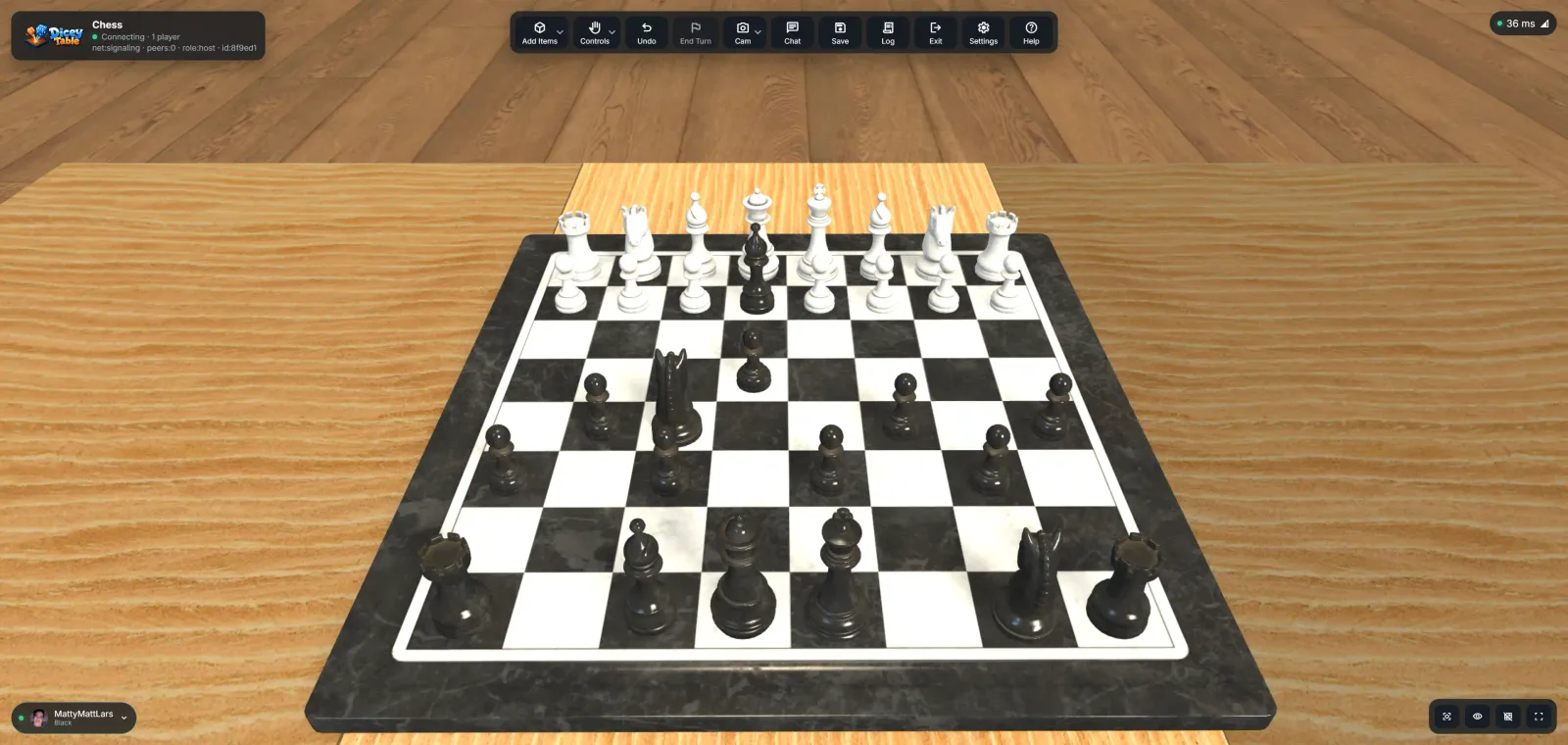
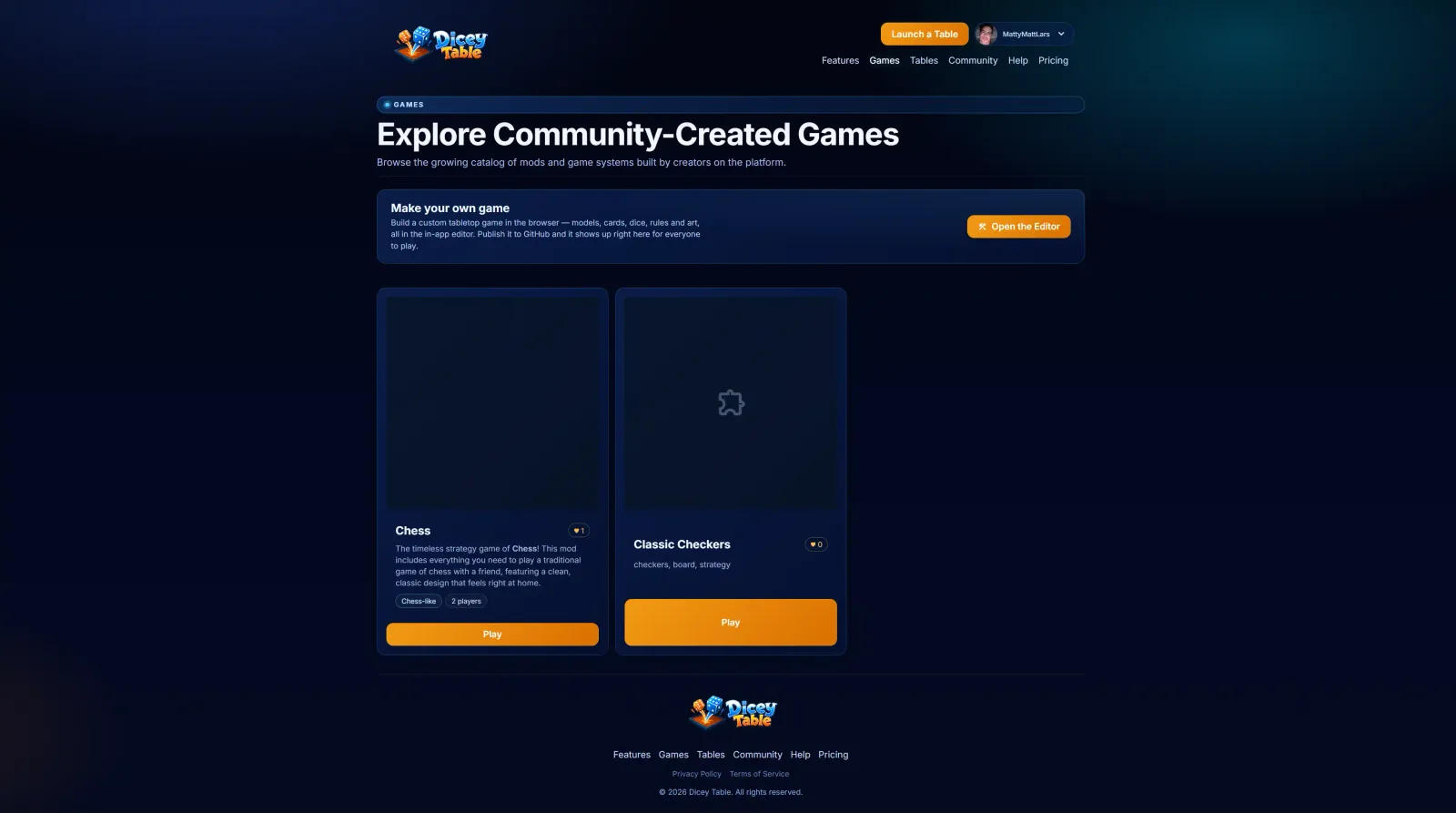
Open a published mod from the catalogue and it loads with its board, pieces, decks and rules already in place — or start blank and set one up yourself.
A Bullet/Ammo physics world drives every piece, with mass, friction, bounce and damping set per object. Gravity is deliberately a little softer than Earth's so pieces stay readable as they move.
Nothing about a specific game is baked in. You get the primitives and the constraints that hold them together, and the rules are yours to write.
Presets roll on convex-hull colliders with a randomised impulse and spin axis. Shake a die in your hand to charge the throw and that spin carries into it.
Six tools share the table. Flick a piece by pulling back and releasing; shake a deck to shuffle it, or shake a whole selection to sweep it into one shuffled pile.
The host reads impacts and settles straight out of the physics simulation and maps them onto seventeen actions across eight material types, so cardboard, wood, metal and plastic each sound like themselves.
Eight coloured seats plus spectators, each seat with a private hand. Hidden cards are stripped out of the data before it leaves the host — not just hidden in the renderer.
The table broadcasts only what changed, stops broadcasting entirely while everything is at rest, and streams compressed GPU textures. That is what keeps a busy table playable on an ordinary laptop.
Put on a headset and the same table becomes room-scale, with articulated hand tracking that picks pieces up by pinching.
Name and save a snapshot at any point, and the host autosaves in the background. Saves are schema-versioned and migrated forward, so an old table still opens.
WHY IT GENERALISES
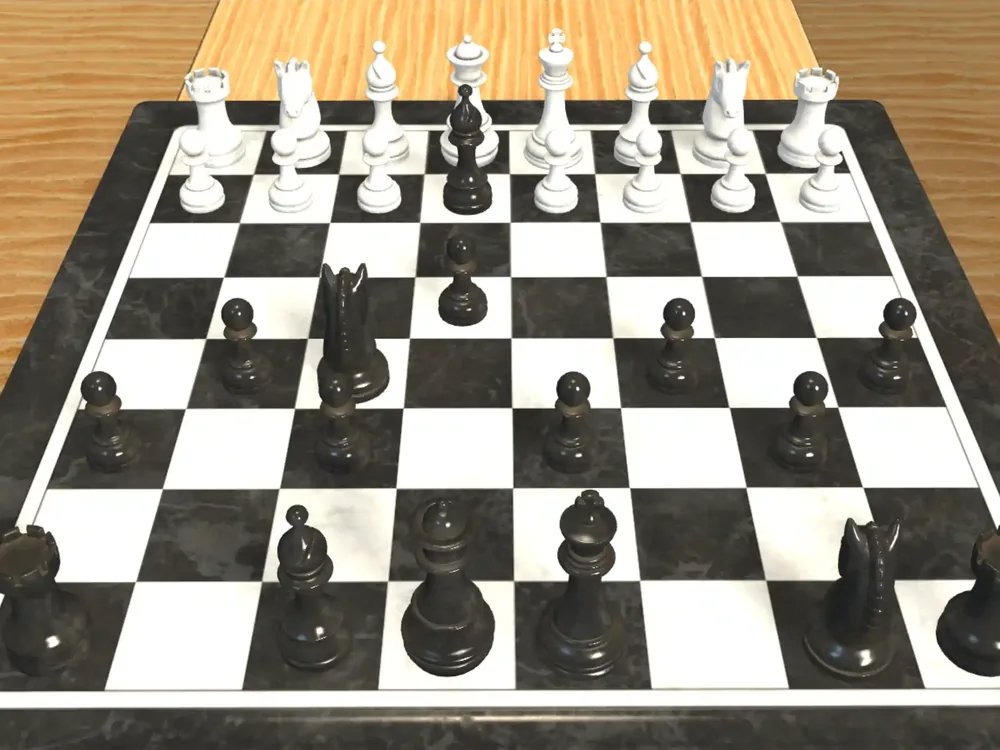
Pieces are not sprites on a grid. They have mass, a collision shape and a material, they fall over, they slide, they land on top of each other, and they make the noise you would expect when they do. That is why one table can run a chess set, a deck-builder, a dice game and whatever you invent on a Tuesday.
Lock a piece so nobody nudges it. Flip it, tap it, rotate it, split a stack, combine a stack, deal a hand, reveal to one team. Snap it to a point or a grid, or ignore both and throw it.

02 — THE EDITOR
Import the art, clean it up, lay out the scene, write the rules, fill in the store page and push the finished mod to a GitHub repository — end to end, in the browser, without ever opening a terminal or running a git command.
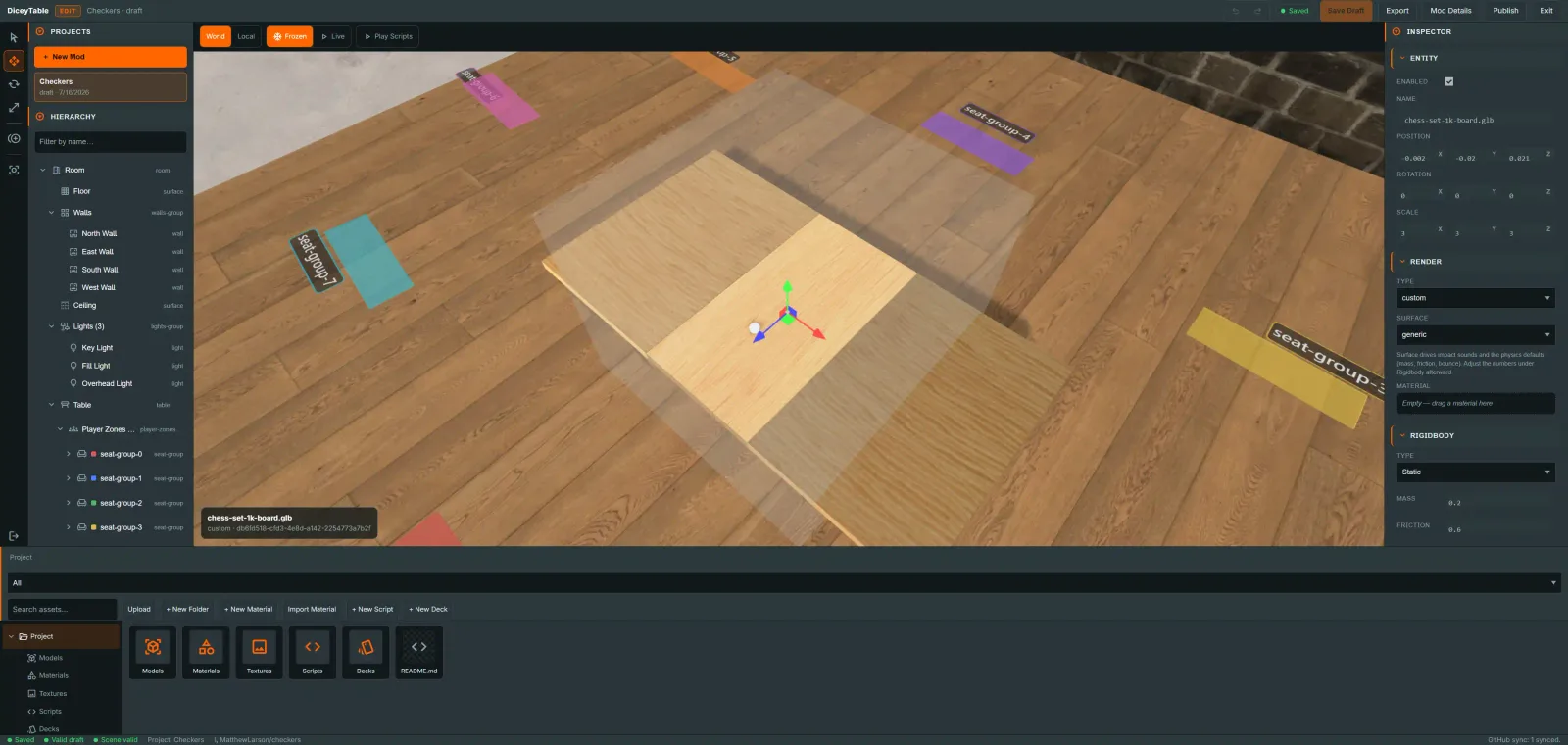
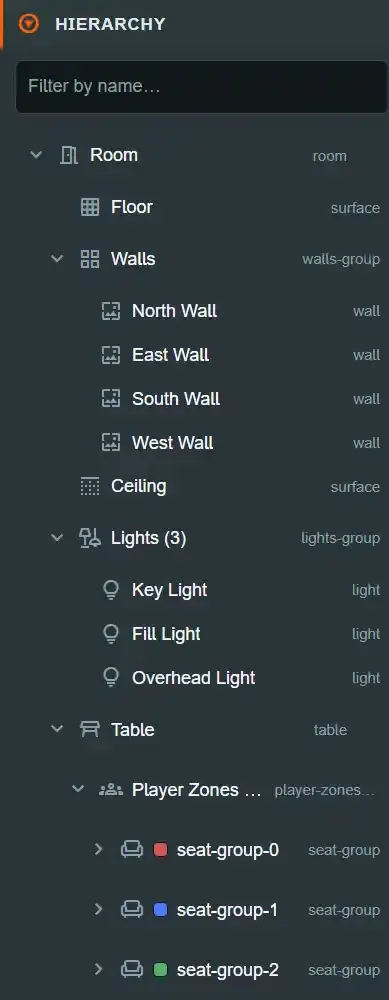
A hierarchy tree for the room, table, lights and player zones, and an inspector that puts the entity, its render settings and its rigidbody on one panel.
Rules are written in TypeScript in an embedded Monaco editor — the same one that powers VS Code. It compiles in the browser as you save, and only the compiled output runs, sandboxed.
Drop in a .glb, or a .gltf with its buffers and textures and the editor packs them into one self-contained GLB. Everything else is converted in the browser on the way in, and a zip of PBR maps sharing a name is recognised and wired up as a finished material.
Every model gets an inspection report — triangles, vertices, meshes, materials, embedded texture sizes — with warnings for what is oversized. Then fix it in place; the untouched original is preserved, so revert is one click.
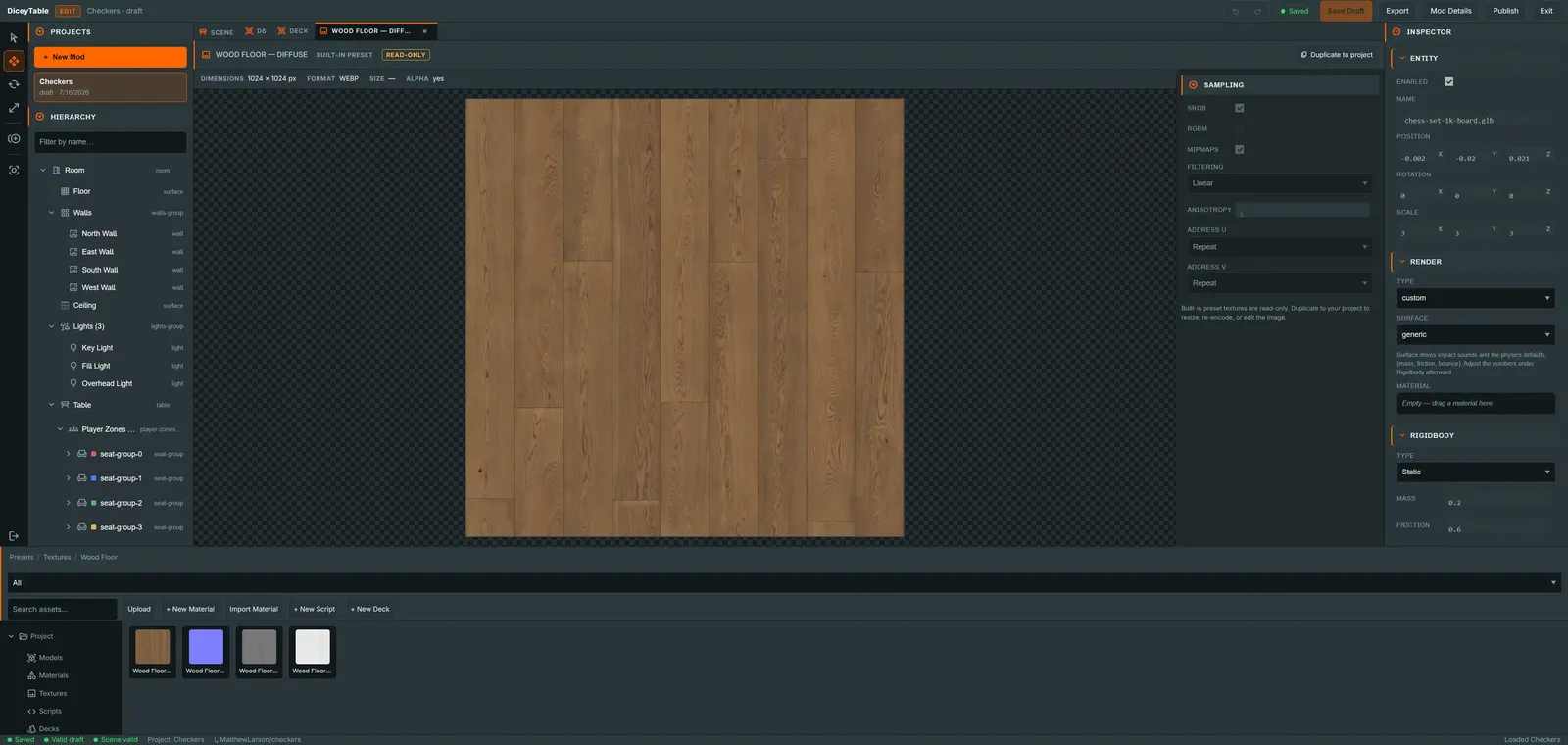
Resize with an aspect lock and a power-of-two ladder, re-encode to WebP, or compress to KTX2 with Basis — ETC1S for colour maps, UASTC for normals and detail — entirely in the browser.
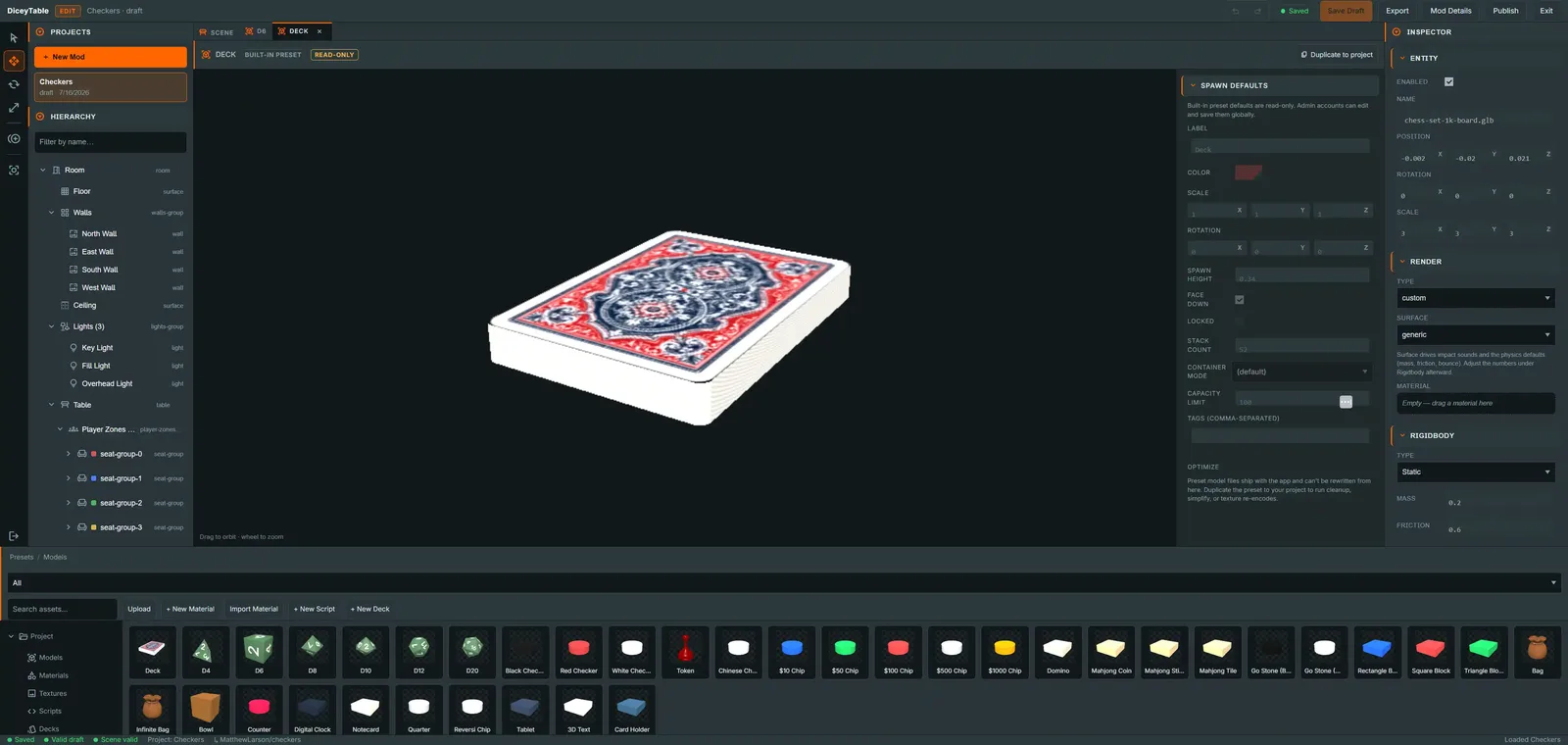
A material editor with a live preview sphere and a full PBR inspector, drag-to-assign onto objects and room surfaces. A deck builder takes your card images, lets you reorder and label them, and composes the sprite sheet the runtime needs.
DIRECT MANIPULATION
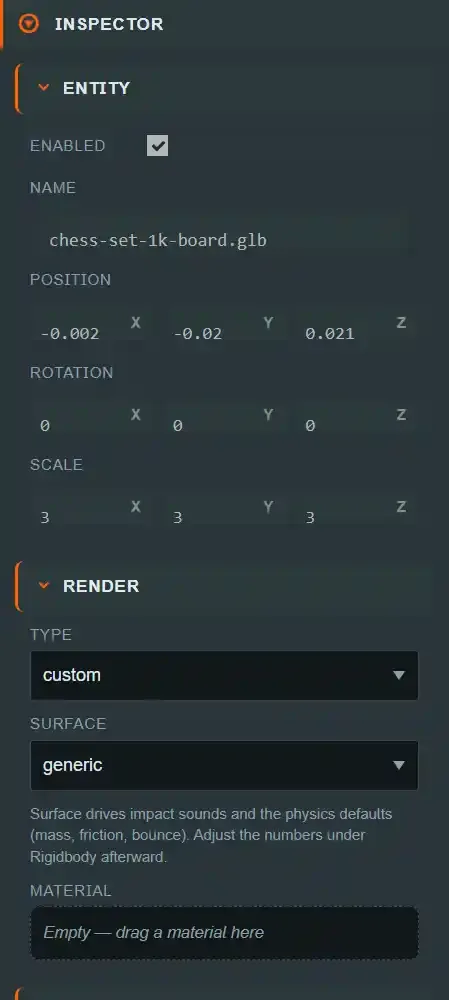
Select an entity and its components are right there: enabled state, name, position, rotation and scale; render type, surface and material; rigidbody type, mass and friction. Change a value and the viewport updates.
Drop a material onto an object to assign it. Place snap points by hand, or lay out a whole grid of them with rows, columns and spacing. Frame the selection, switch between world and local axes, and undo anything.

NO TERMINAL REQUIRED
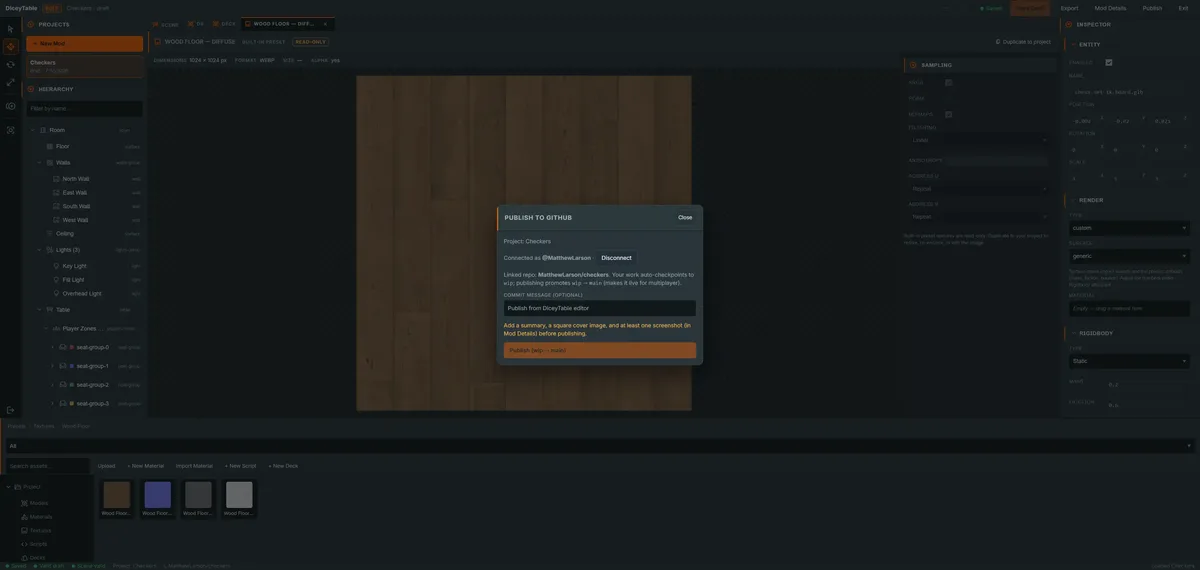
Connect your GitHub account once. From then on the editor can create a brand-new repository for you from inside the site, and your edits check themselves into a working branch in the background as you go.
When you are happy, hit Publish. The editor pushes the whole file tree as a single commit, promotes the working branch to main, and registers the mod so it appears in the catalogue and is immediately playable. You never clone, stage, commit, branch or push anything yourself.
No GitHub account? The editor still works completely — drafts live in your browser's own storage and you can export the whole project as a file. Publishing is the one step that needs a GitHub connection, because a published mod's assets are served from its repo rather than from us.
03 — AFTER YOU PUBLISH
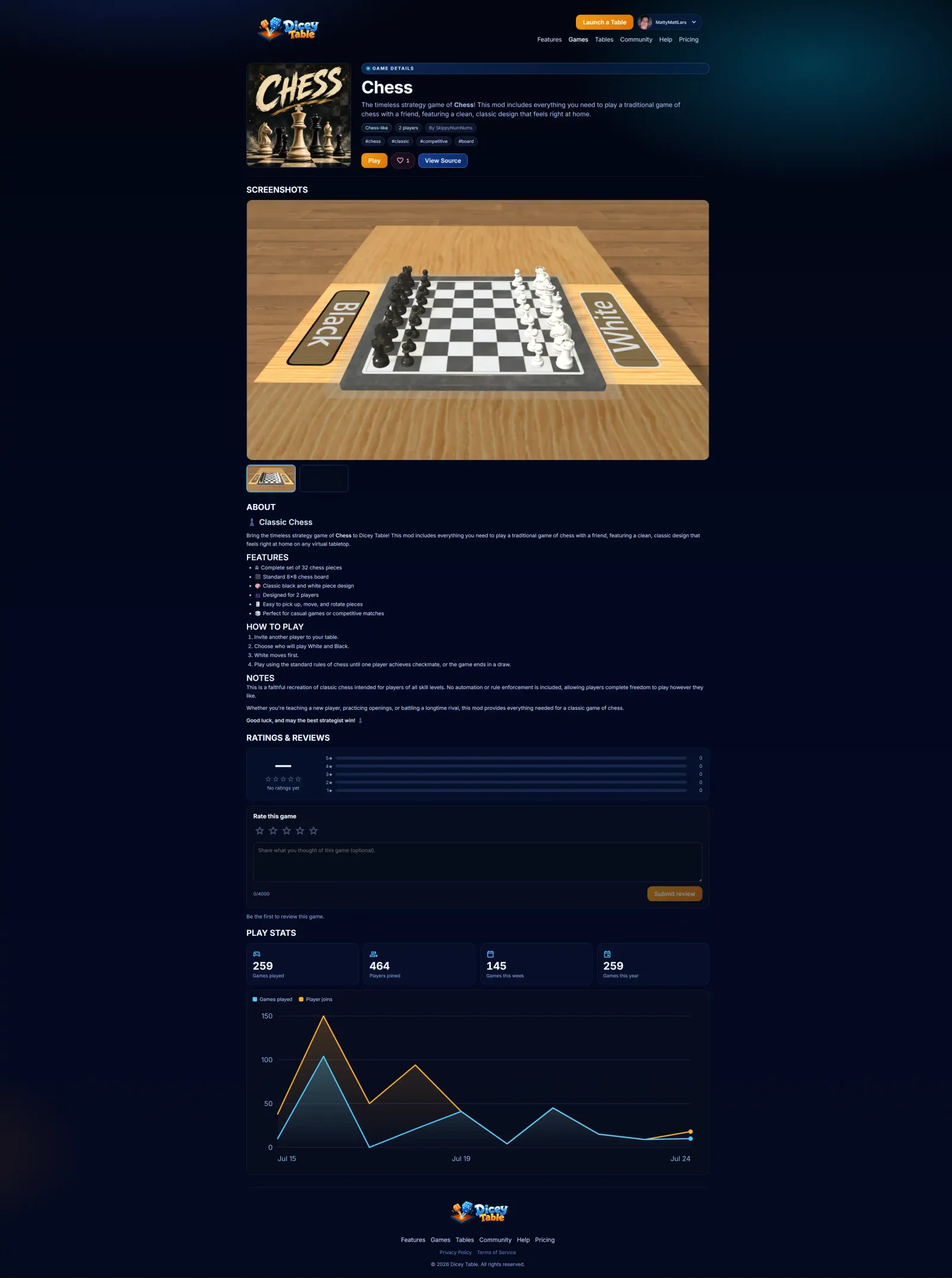
Publishing needs a title, a summary, a cover image and at least one screenshot — the editor checks before it lets you ship. In return your mod gets a real listing.
GET STARTED
Play something someone else built, or go and build one. Neither needs an install.